
Integrations
Integrations
We connect menu, QR, and Square tools without replacing everything.
If your QR/menu URL is the front door, we make sure every destination stays correct.

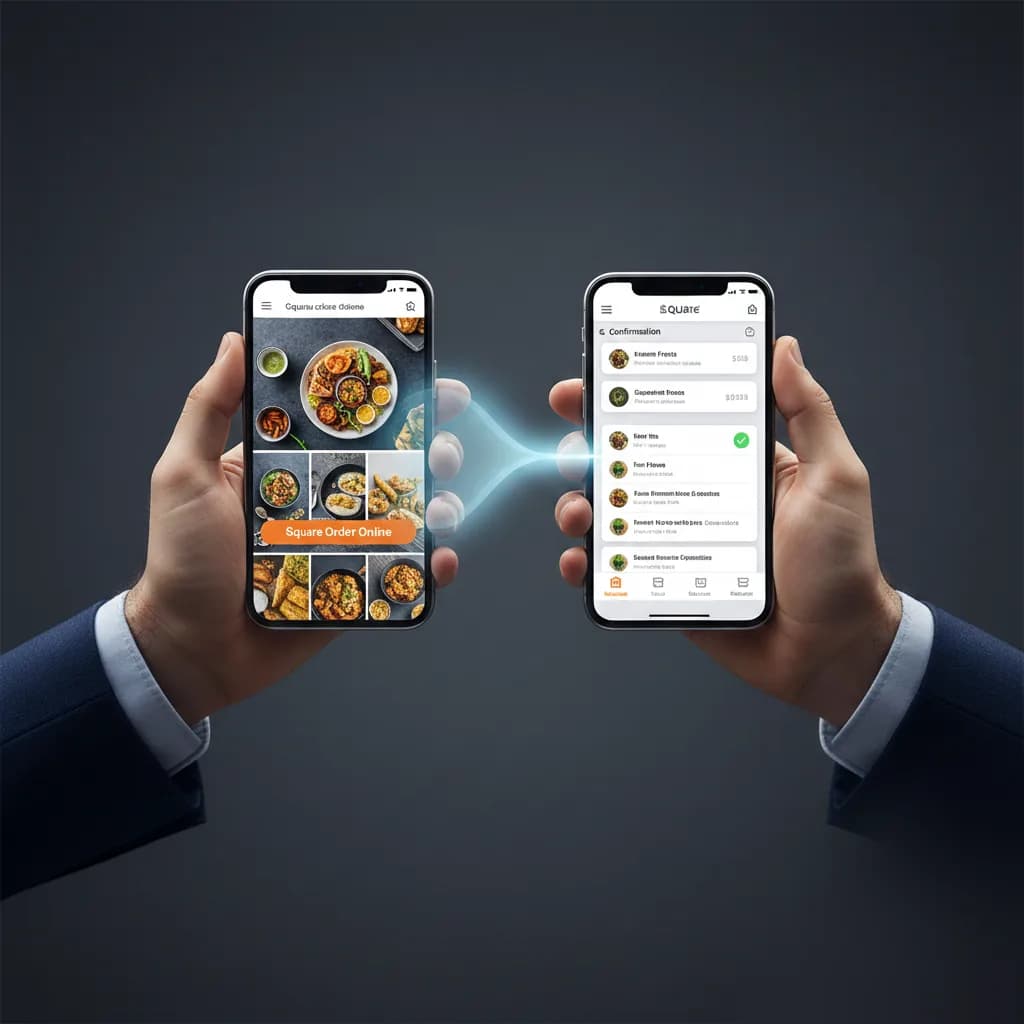
Integration setup
Connect menu and order tools without replacing everything.
We map routing rules, owners, and checks so handoffs stay clear.
- Stable menu URL
- Order Online destination
- Booking link behavior
- Documented change log
Tools we work with
Common tools we connect for menu, ordering, and booking workflows.






















No partnership implied.
We start with your current tools. If something must change, it’s scoped separately.
Don’t waste weeks comparing tools.
We pick what fits your venue, set it up, and hand it over ready to run.
- You own the subscriptions.
- No lock-in.
- Clear handover.
Integration categories
We map your stack by category, owners, and failure points for menu operations.
Tool categories
The categories we connect to keep your setup reliable.
Menu platforms
Source of truth for menu categories and items • Item availability, modifiers, and pricing updates • Consistent menu content across channels





Ordering and payments
Order Online destination mapping • Square checkout handoff checks • Payment destination consistency





Accounting and reconciliation
Order and payment exports aligned to finance tools • Settlement and payout visibility across channels • Handover notes for monthly reconciliation
QR and link routing
Stable public menu path management • Redirect safety checks and fallback paths • No-reprint workflow for QR updates
Booking links
Reserve-table link setup and validation • Provider-agnostic routing alongside menus • Clear separation between order and booking flows




Menu content operations
PDF/photo menu digitisation • Category and item cleanup standards • Repeatable update and review cadence
Website delivery
Public page delivery under stable paths • Asset and image load validation • Launch and post-launch smoke checks
How integration setup runs
Audit current links
Confirm your menu URLs, QR destinations, and ordering endpoints.
Define routing rules
Set stable paths for menu, order, and booking links.
Set it up and test it
Validate redirects, image loading, and mobile menu behavior.
Handover + updates
Ship QR assets, handover notes, and an update cadence.
Pick a setup scope to start
Integrations connect your tools. Service scopes define the launch outcome.
See servicesFAQ
Common questions
Want us to map your menu stack?
Tell us what you use and where links break. We’ll confirm scope and first fixes.