
QR + Online menu + Square ordering, done for you.
VenueOps builds fast QR + online menus and connects your online order flow directly to Square, so guests order faster and staff answer fewer calls.

Tools we work with
Square, booking, and website tools we commonly connect.








Logos indicate tools we integrate with. No partnership implied.
Start with the path that fits
Go straight to the view that matches your venue and operators.
What VenueOps sets up
Core building blocks for QR, menu pages, and Square order flow.
QR menu setup
Stable QR links route guests to one menu URL you control.
Online menu page
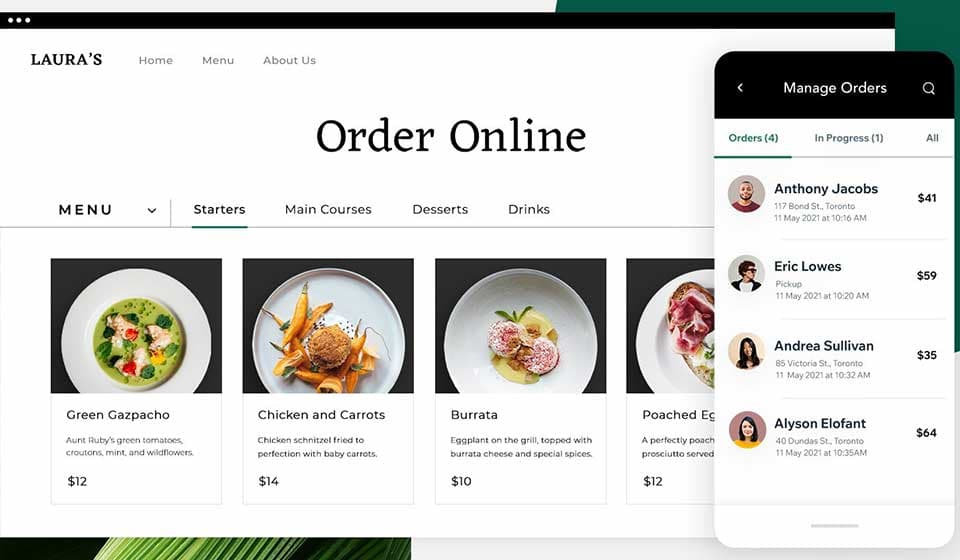
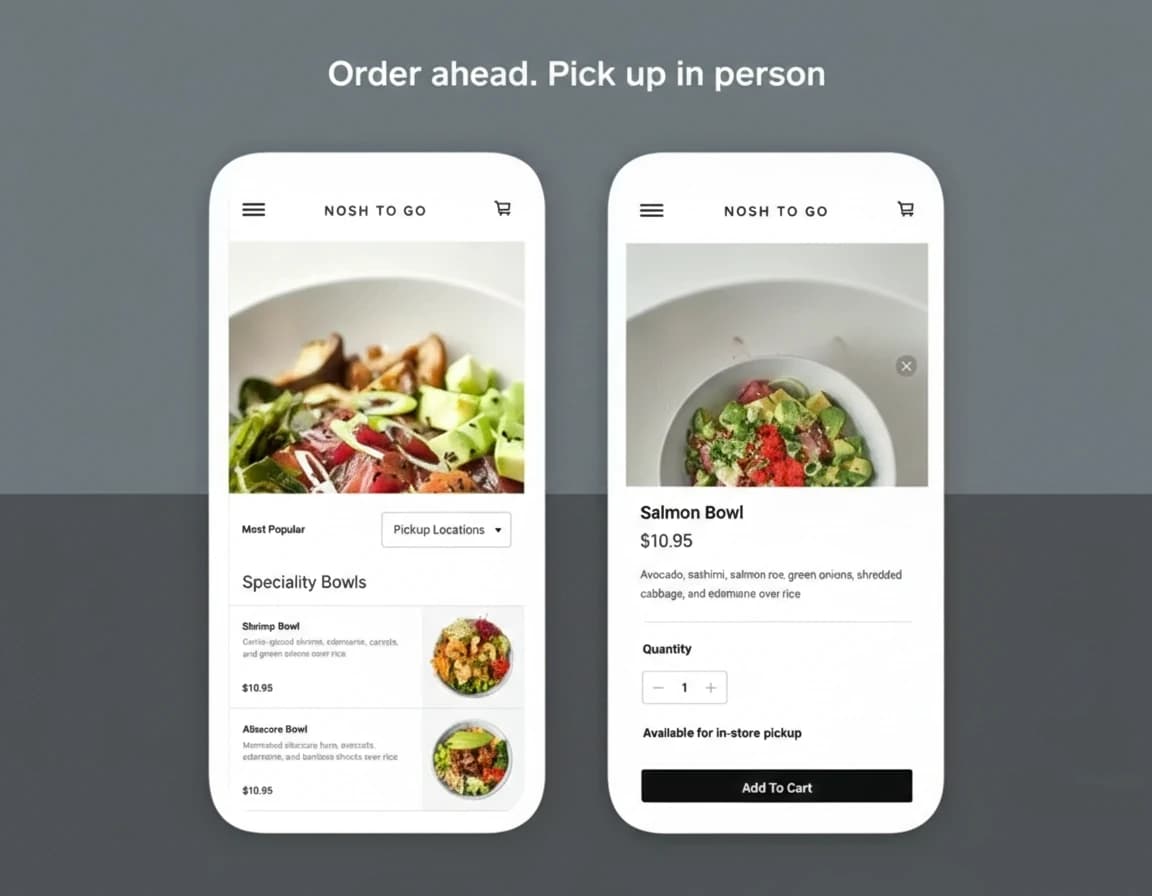
Mobile-first menu pages with categories, pricing, and dietary tags.
Square order linking
Order Online buttons point to Square with clean redirect checks.
Delivery examples you can inspect
See how QR routing, menu pages, and Square links are delivered.

Need VenueOps live this week?
Share your current menu and order flow. We will map the first setup and launch sequence.